
Expense claims without the paper trail
Employees submit claims with receipts, approvers review them in one queue, and finance marks them paid with a reference.
- Claim types and limits
- Receipt uploads
- Approve, reject, mark paid
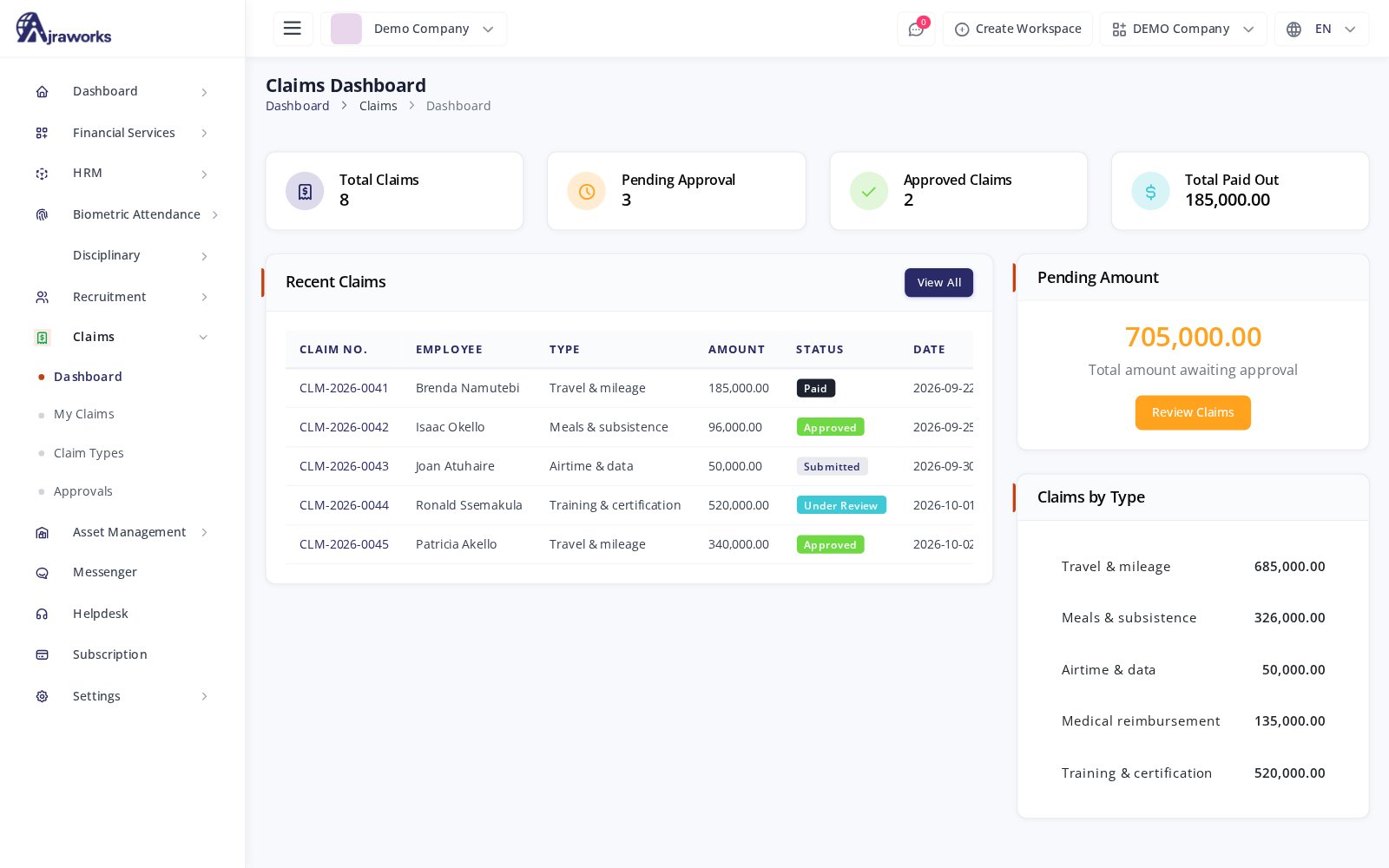
From receipt to reimbursement
Claim types
Set up types such as travel, meals or medical, each with a maximum amount and a receipt rule.
My claims
Employees create claims, save drafts and submit them from their own portal.
Receipts
Attach a receipt to each claim so approvers see the evidence.
Approvals
Review submitted claims in one queue, approve the full or a lower amount, or reject with a reason.
Payment record
Mark approved claims as paid with a payment date and reference.
Dashboard
See totals pending, approved and paid, and spend by claim type.
Know what is owed before it is paid
Every claim moves from draft to submitted, under review, approved or rejected, and paid - so finance always knows what is outstanding.
- Status at every step
- A maximum amount per claim type
- Rejection reasons on record

Frequently asked
Can we set limits?
Yes. Each claim type has its own maximum amount and receipt rule, and approvers can approve less than the amount claimed.
Who approves claims?
Users you give the approval permission review submitted claims in one approvals queue.
See it with your own numbers
Start a free workspace or ask us for a walkthrough on your real payroll data.